

TRYX Panorama 360 ARGB White
Description
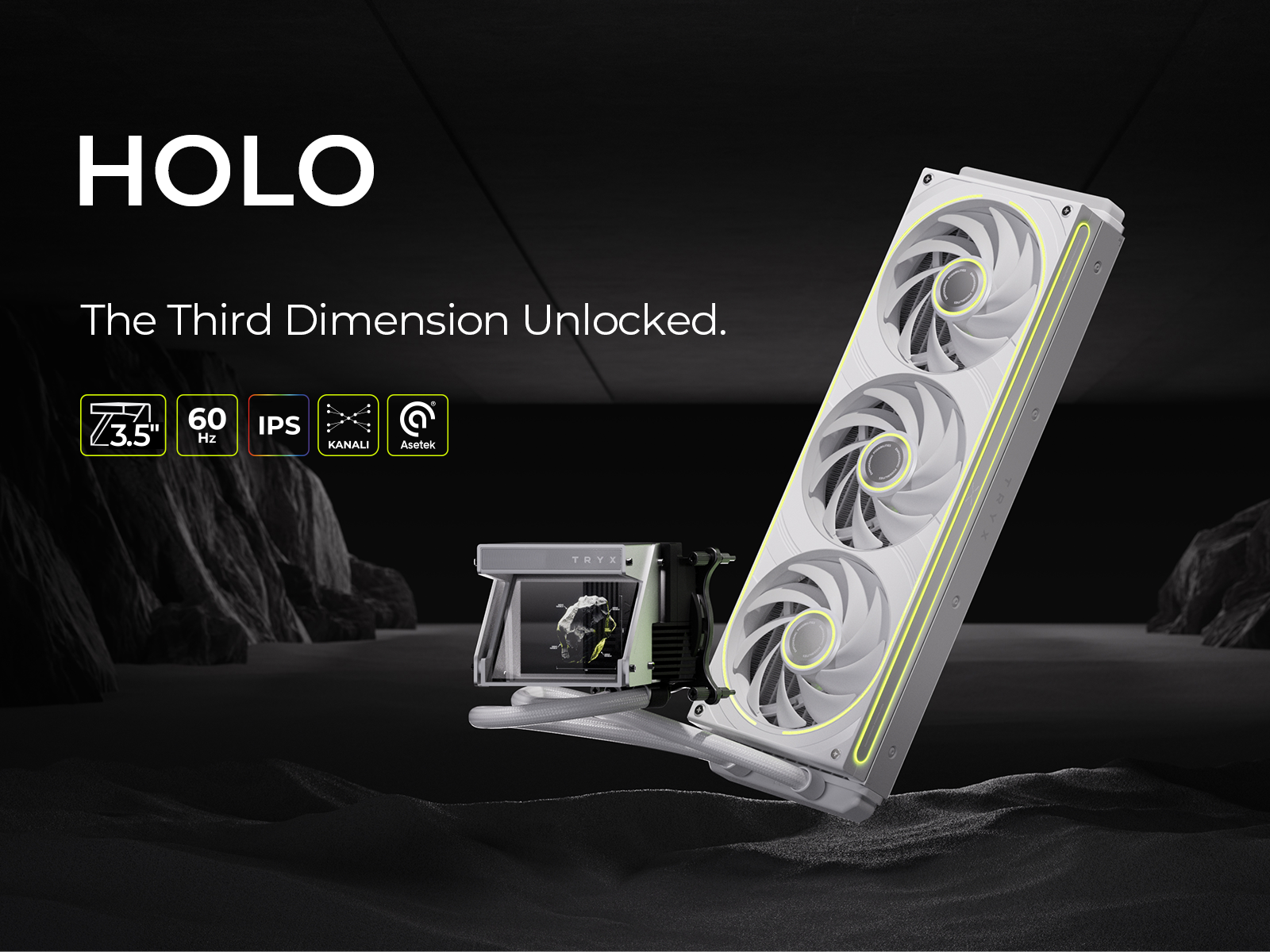
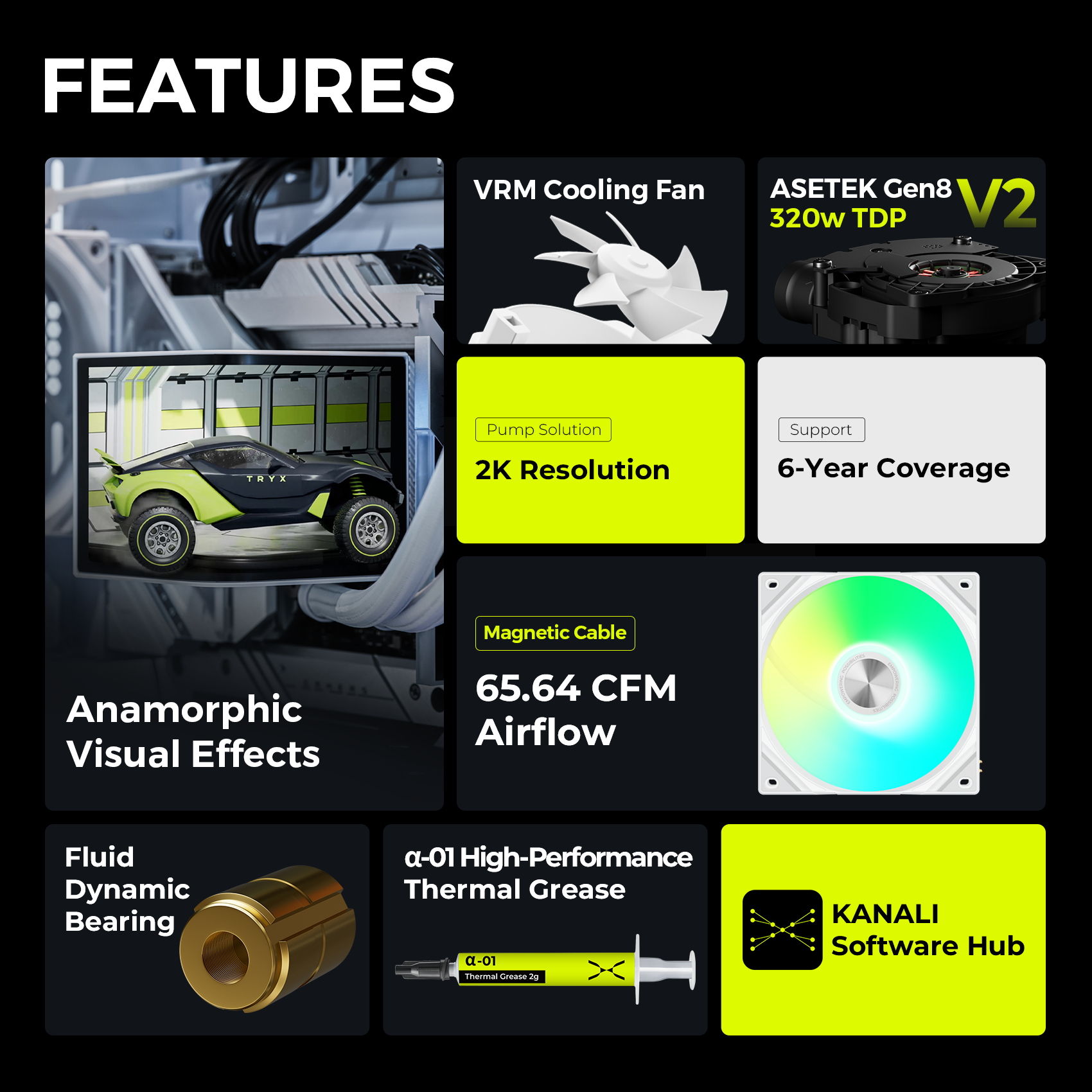
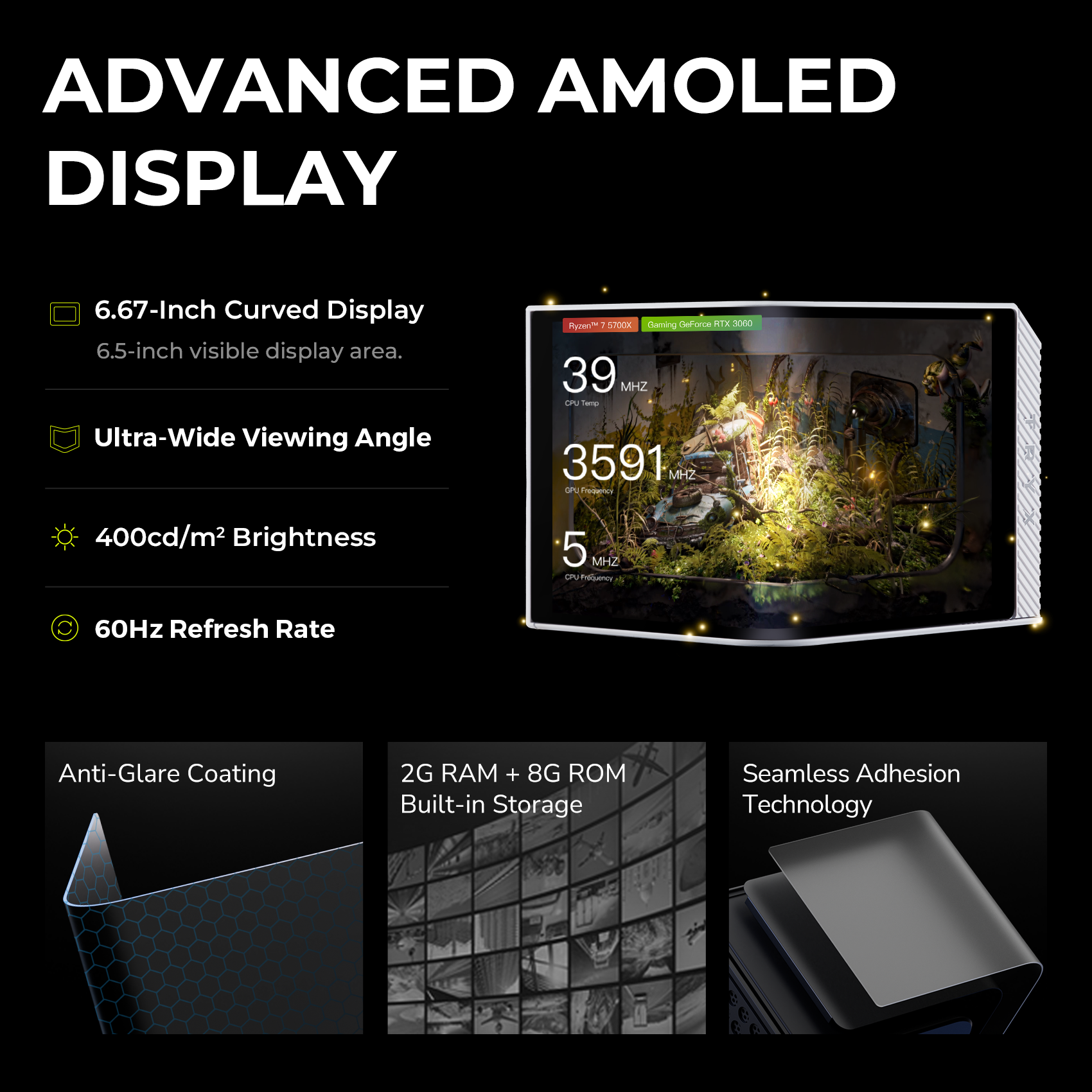
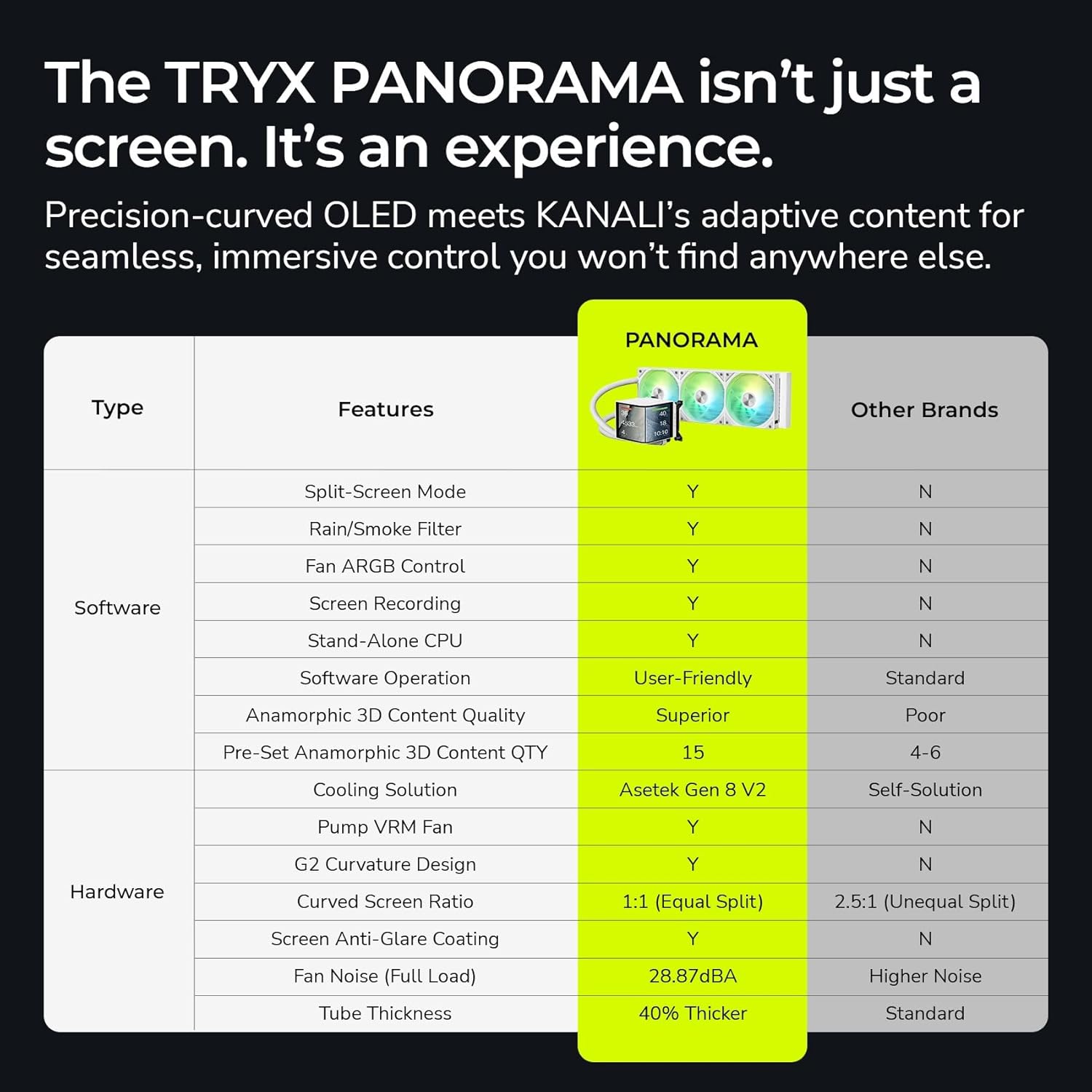
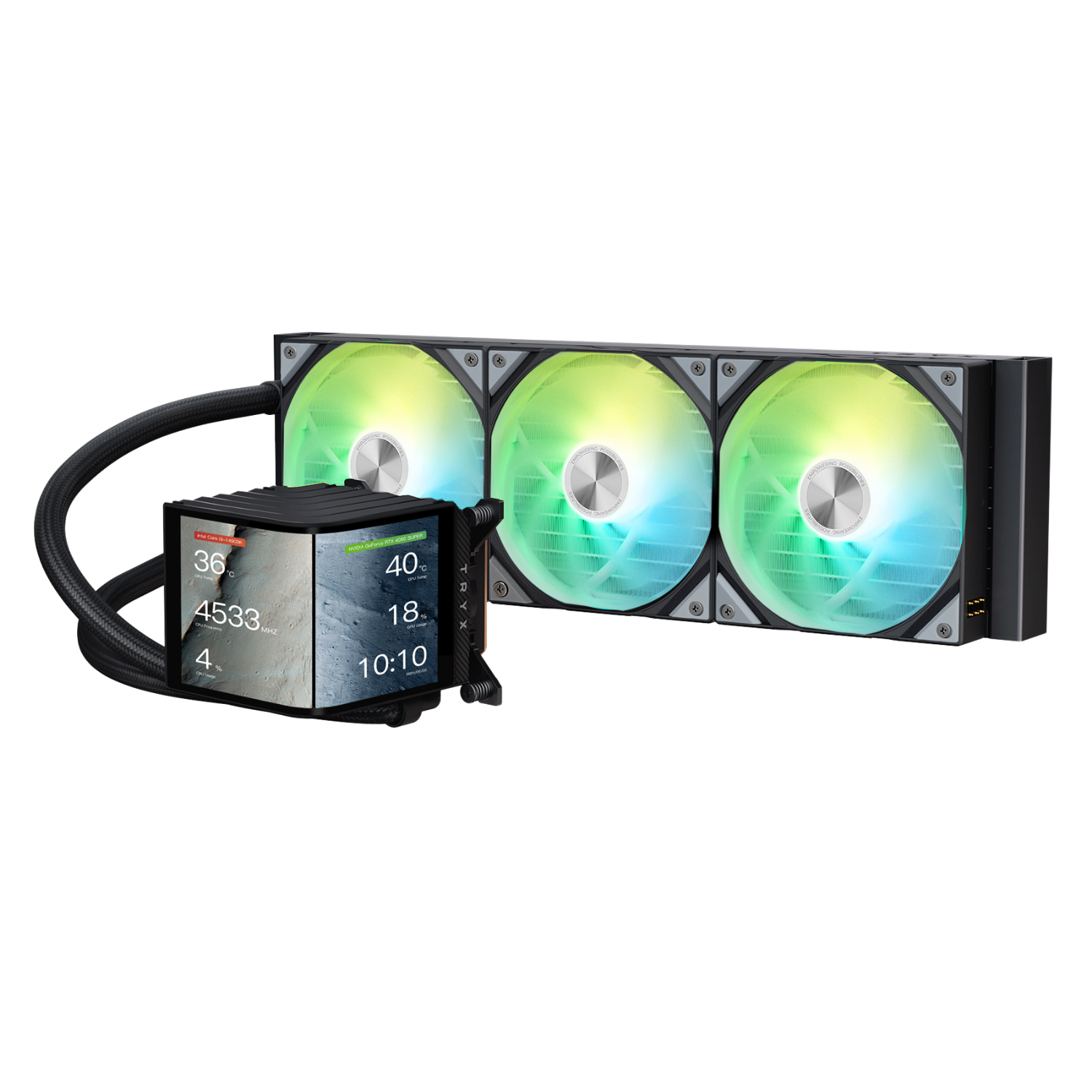
6.67-Inch Curved AMOLED Display
• Premium AMOLED display
• Embedded independent system
• G2 curvature
• 6.67-inch 2K @ 60Hz
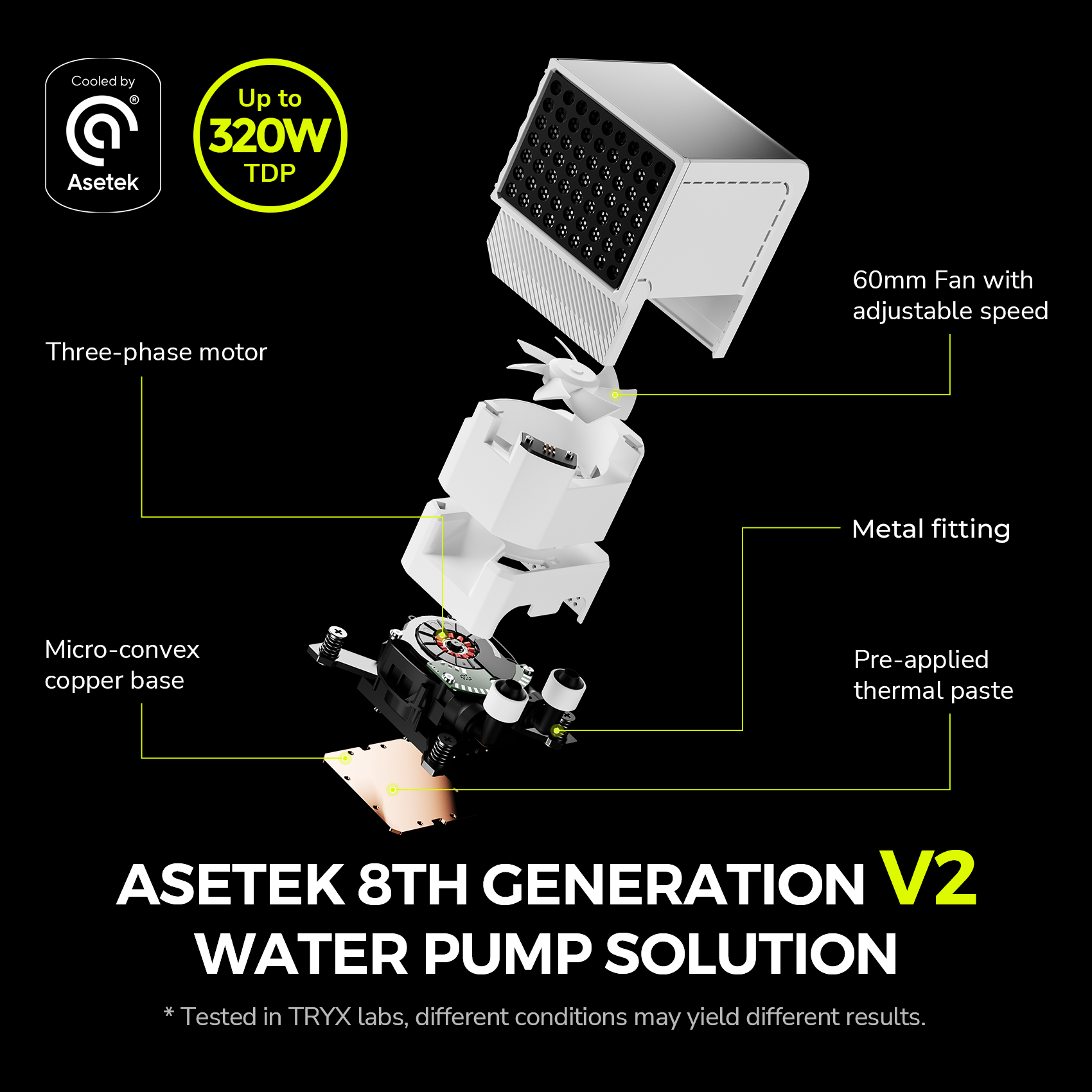
ASETEK GEN8 V2 Pump
• Speed up to 3600 RPM ±10%
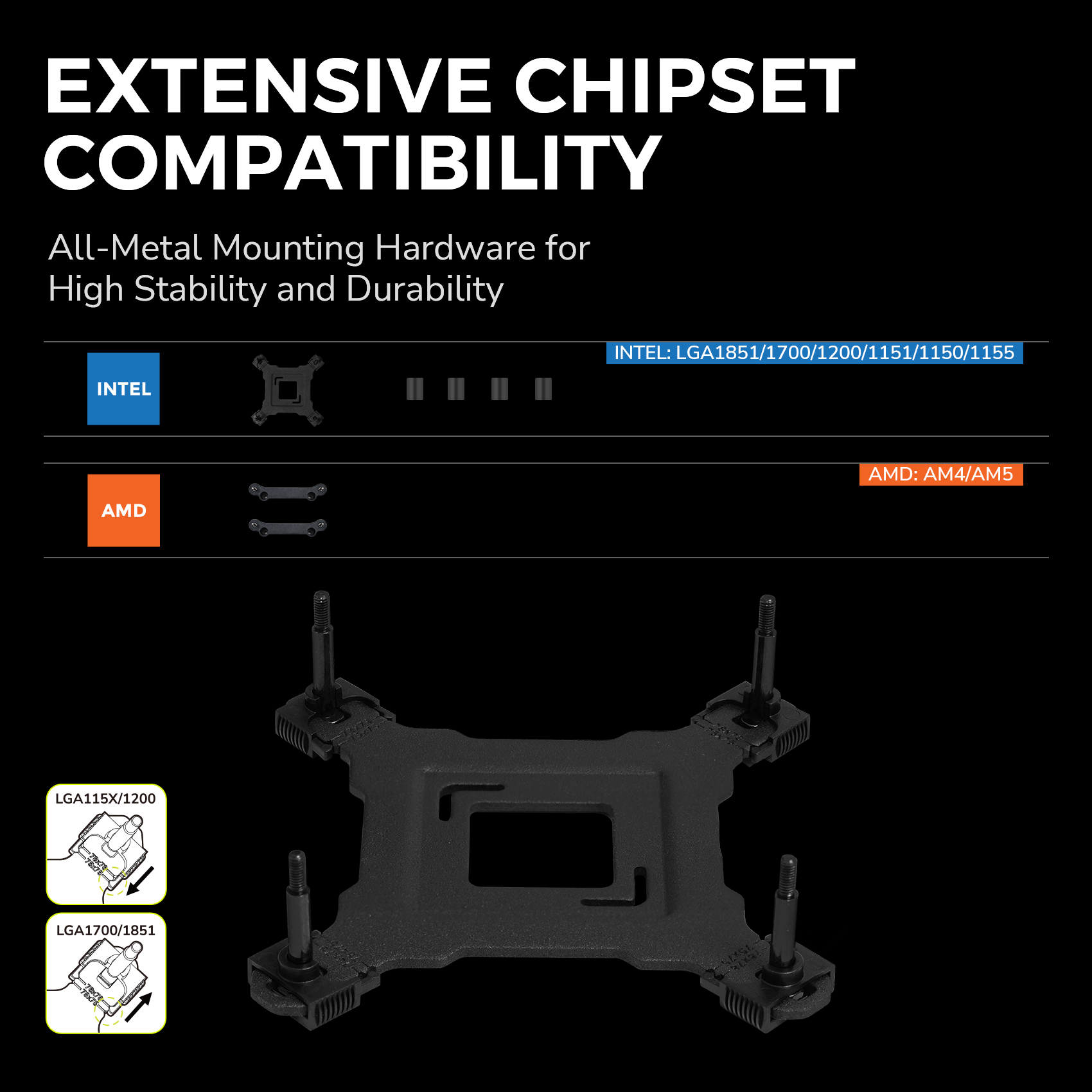
• Adjustable mounting bracket
• Optimized for the newest Intel Core Ultra
• Integrated VRM fan
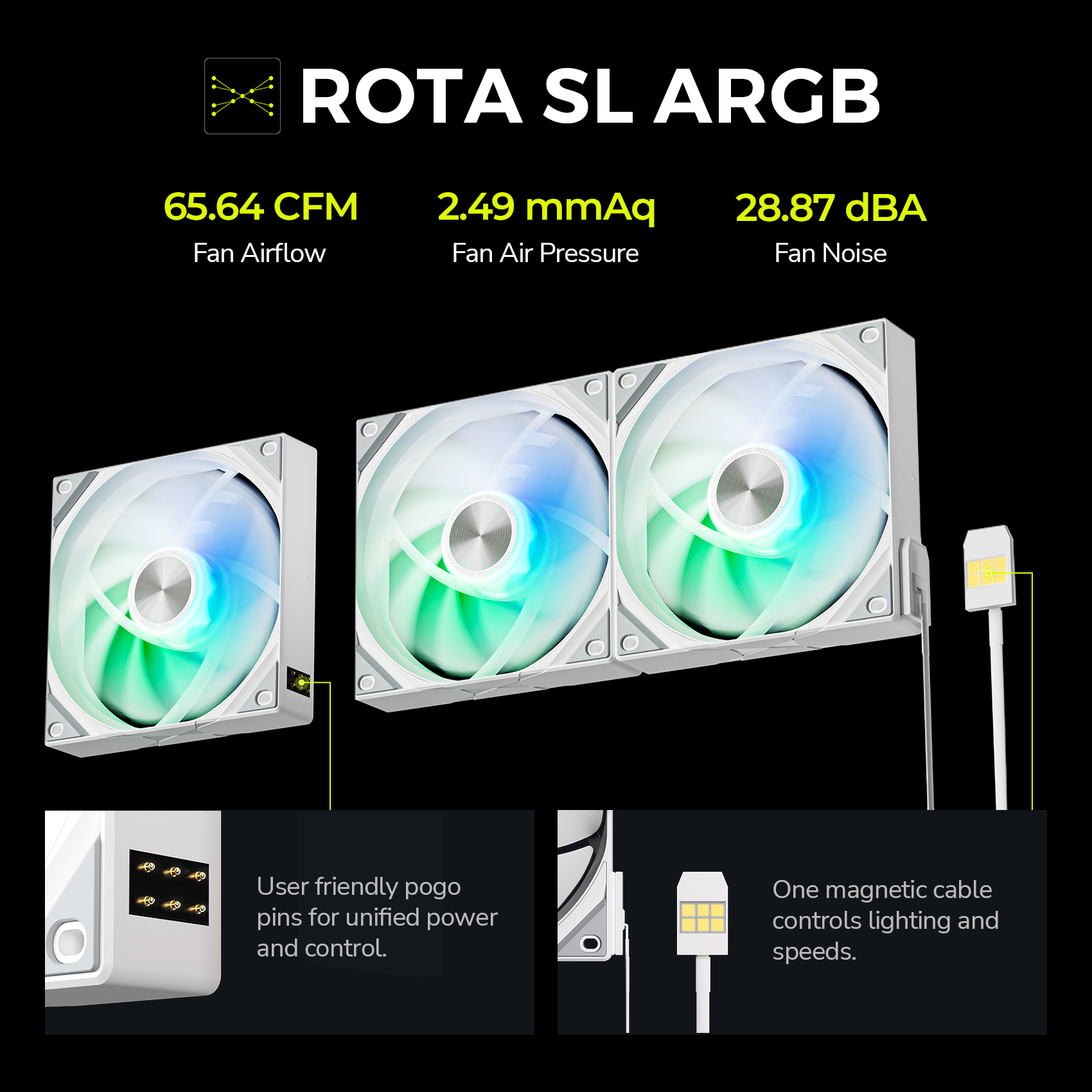
ROTA SL ARGB Fans
• Magnetic cable design
• ARGB Gen2 light beads
• KANALI + motherboard synchronization control
KANALI – Software by TRYX
• Official 3D content library
• Custom content library
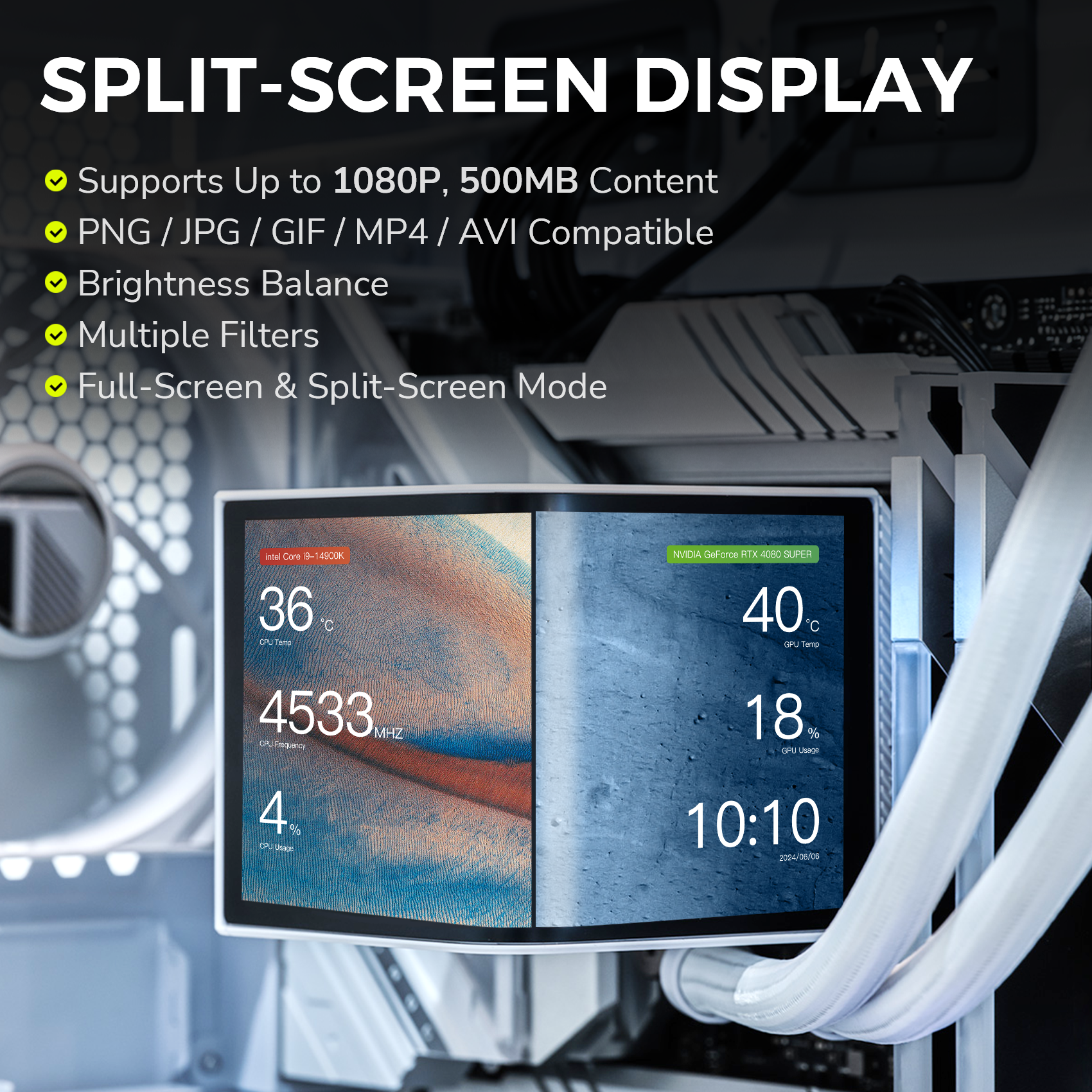
• Split-screen display control
• Supports up to 6 system info displays
Exclusive Benefits
5% off discount when you subscribe
Fast and Free Shipping with Amazon Prime
30-Day Free Return for peace of mind
Return & Warrenty
TRYX Warranty Policy click here
TRYX Return Policy click here
TRYX Shipping Policy click here
Choose options


FEATURES
COMPARISON

|

|

|

|

|

|
|
| PANORAMA 360 ARGB WH | PANORAMA SE 360 ARGB WH | STAGE 360 ARGB WH | PANORAMA 360 WH | PANORAMA SE 240 ARGB | TURRIS 620 WH | |
| Price |
$359.99
|
$279.99
|
$199.99
|
$349.99
|
$259.99
|
$129.99
|
| Cooling Solution | Asetek GEN 8 V2 | Asetek Adela | Asetek 7th Gen V2 | Asetek GEN 8 V2 | Asetek Adela | Dual-Tower Heatsink |
| Thermal Capacity | 320 W TDP | 280 W TDP | 280 W TDP | 320 W TDP | 260 W TDP | 280 W TDP |
| Display | Curved AMOLED | Curved AMOLED | IPS | Curved AMOLED | Curved AMOLED | IPS |
| Screen Size | 6.67 Inch | 6.67 Inch | 4.0 Inch x 2 | 6.67 Inch | 6.67 Inch | 5.0 Inch |
| Screen Resolution | 2K | 2K | 720p | 2K | 2K | 720p |
| Screen Pixel Density | 372 PPI | 372 PPI | 254 PPI | 372 PPI | 372 PPI | 294 PPI |
| Screen Rotation | \ | 90° / 180° | \ | \ | 90° / 180° | \ |
| Fan ARGB Control | Motherboard | Motherboard | Motherboard | Motherboard | Motherboard | \ |
| Fan Air Pressure | 2.49 mmAq | 1.8 mmAq | 2.49 mmAq | 3.66 mmAq | 1.8 mmAq | 2.1 mmAq |
| Radiator Thickness | 30 mm | 27 mm | 27 mm | 30 mm | 27 mm | \ |
| CPU Clearance | 118 mm | 125 mm | 125 mm | 118 mm | 125 mm | 165 mm |
| Coverage | Cooler 6 Years / Screen 2 Years | Cooler 6 Years / Screen 2 Years | Cooler 6 Years / Screen 3 Years | Cooler 6 Years / Screen 2 Years | Cooler 6 Years / Screen 2 Years | Cooler 6 Years / Screen 3 Years |
This worked well and looks great. I ended up switching to a 420 liquid freezer for my system though because it was working a little too hard in my Ryzen 9 system since my office does not have central air. You do need to commit to running the software (windows only) and it will revert to the default logo images when windows is not actively running the program. This looks good while you are using your computer, but expect it to show just the default images if your computer is hibernating or you the software is not running in the background. Overall, I had no issues with the software though. I enjoyed the "capture" feature which allows you to basically create any 30 sec video you want for looping. I had a lightning dragon in flight and my son is currently showing a black hole image on his that looks amazing. For me the temps were a little off from what my MB said, but that just may be different sensor readings. Is it overpriced, probably. But it will instantly make your system look high-end and the fans are honestly pretty good quality.
Building my first PC, I wanted a cooler that offered both performance and style, and the TRYX Panorama 360 did not disappoint. The packaging was impressive, and the cooler itself has a premium look that instantly adds a polished touch to my setup.I was worried about the installation process since I��m new to building, but it turned out to be much easier than I expected. The instructions were straightforward, and I got it installed without any issues. It fits well in my case, and the quality feels top-notch.Performance-wise, this cooler keeps my Ryzen 5800X3D running comfortably cool, with idle temps staying in the low 30s. Even during intense gaming sessions, it barely reaches the mid-60s. I also appreciate how quiet it runs��I hardly notice the fans.The standout feature is definitely the OLED screen. The display quality is sharp, and the L-shaped design gives my build a unique and modern look. I included a video to show just how detailed the panoramic screen is with the default software graphics��it��s very clean and adds a whole new level of customization to the setup.Pros:- Sleek design with a stunning OLED display- Great cooling performance for gaming and everyday use- Runs quietly, even under load- Installation-friendly for beginners- High-quality constructionCons:- It's a bit expensive, but the features and quality justify the cost- After using this, I don��t think I could go back to a basic coolerFor my first build, this AIO was definitely the right choice, and I'd recommend it to anyone looking to step up their cooling game.
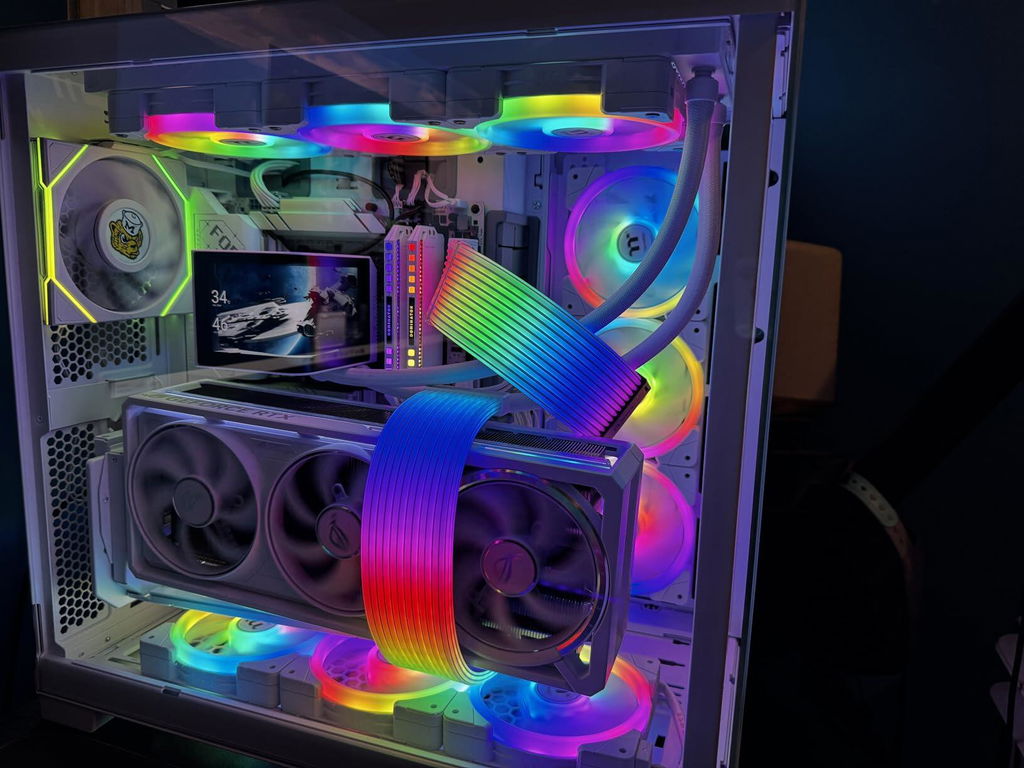
Gorgeous AIO cooler! The screen is big and it looks so clean. It is a little pricey but I got a $60 coupon which I think makes it so worth it over something like NZXT's Kraken series. You can adjust the VRM fans and I can barely hear the actual radiator pump so that's a plus. I replaced the default fans with my fans to match the case but it seems to not alter the cooling performance too much. It works well and my CPU runs pretty low, especially with an undervolt applied. There are also holes behind the screen for the VRM fan so there isn't much of a worry on its airflow. The one thing I dislike is how the screen takes about a minute or two to go into "sleep" after turning my pc off. That's the only way the screen turns off. Other than that, great product especially if you're looking for aesthetics!
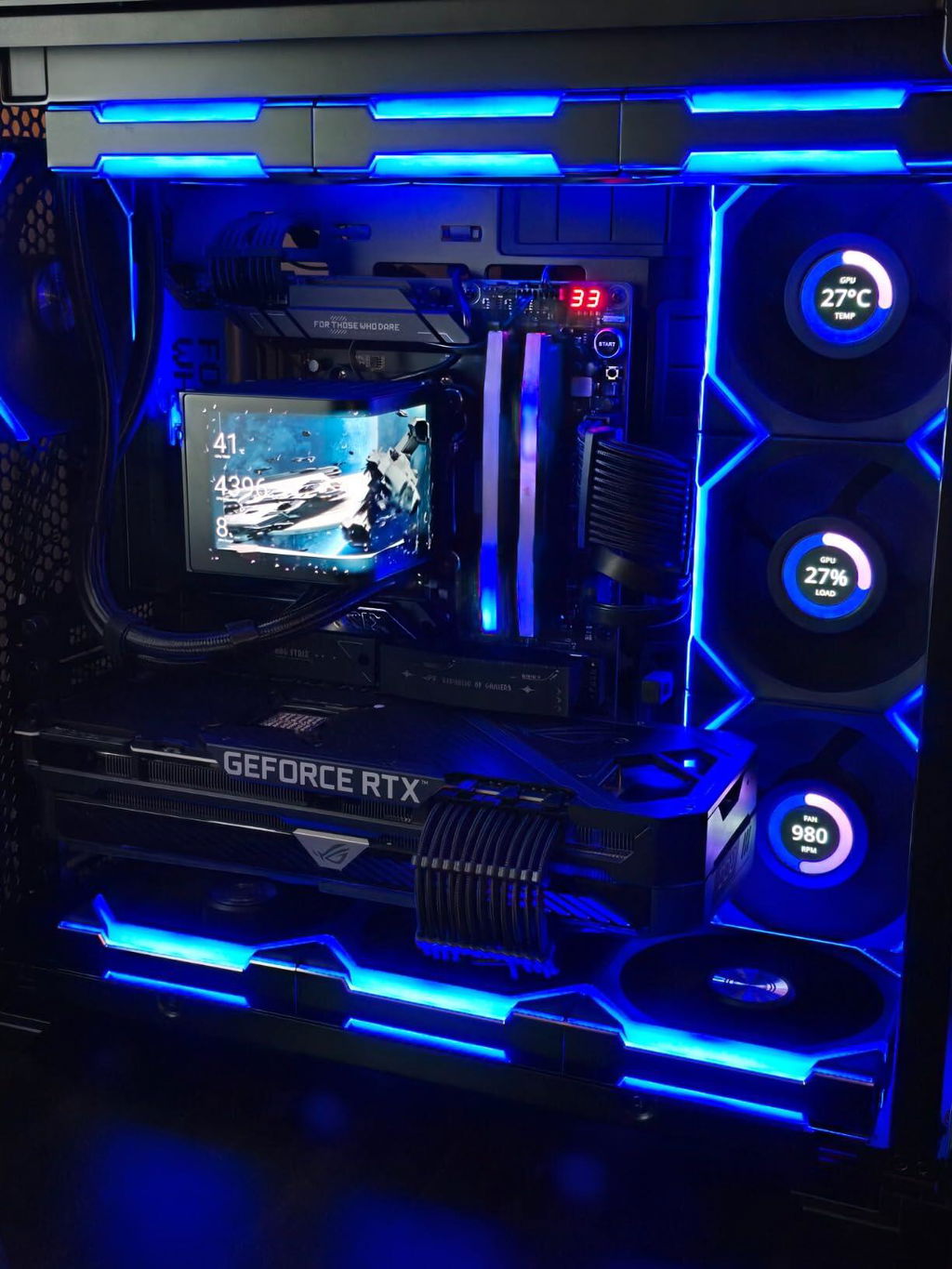
This is amazing looking, and that it would be worth 5stars. However the high pitched whine of the pump fan causes it to lose a star. I wish I could give it a 4.75. I've tried multiple ways to silence the fan, but high pitched noise is present. Its not loud, and you get used to it, but I feel a slight bump in fan size, or perhaps a different style of bearing could do a lot to silence the whine. Again, its not bad, but is keeping this from getting a perfect score. The entire kit is built VERY well, and of a very High quality. Their software is minimal, easy to use, and works great. OLED is bright and looks awesome.If you are not sitting right next to your case, you probably wont hear the pump fan. And again its not bad, but present.
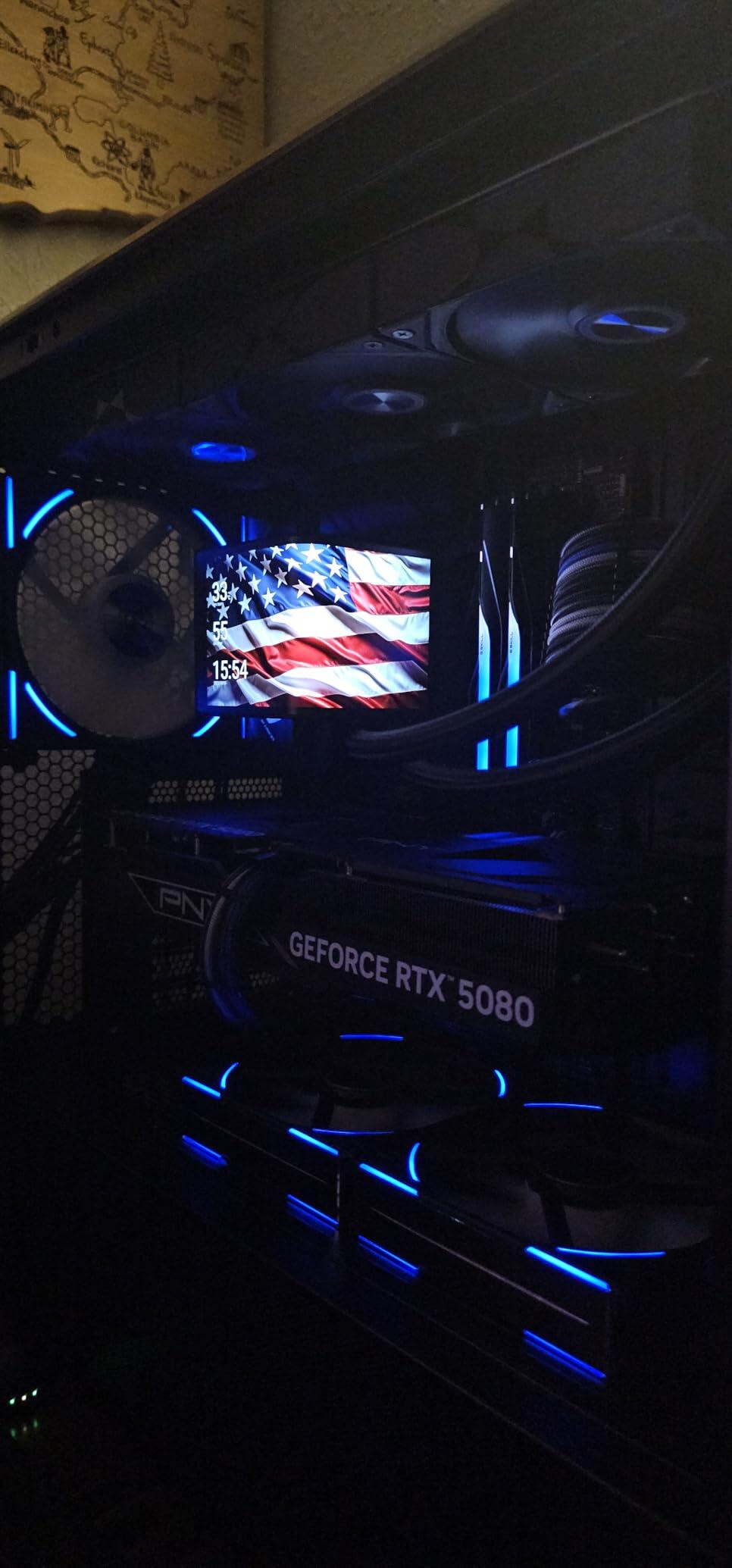
I've built many PCs over the years, and I doubt another AIO will top this one anytime soon. TRYX nailed the details, from the packaging and cooler design to the ease of installation. The AIO looks premium, and the build quality is outstanding.This CPU cooler is perfect for gamers and professionals who need top-notch reliability, performance, and cooling. I'm running a Ryzen 5900x, and the CPU stays in the low 30s on idle, and rarely exceeds the high 60s under gaming load. It runs cool and quiet so you can focus on work or play without distraction.What sets this AIO apart is its crystal-clear Panorama OLED display. It's the best-looking AIO on the market, featuring a large L-shaped OLED screen that plays custom videos in high resolution and frame rates. The TRYX Kanali software makes managing the display/fans simple and intuitive.Pros:? Best looking AIO and Display technology? Excellent cooling performance, especially under load.? Quiet operation, even with multiple fans running.? Premium build quality and reliable pump performance.? Easy to install, even for first-time builders.? Compatible with a variety of CPU platforms.Cons:? High end product with matching price point, but it��s worth the money.? Will be difficult to go back to another CPU cooler after using this one.
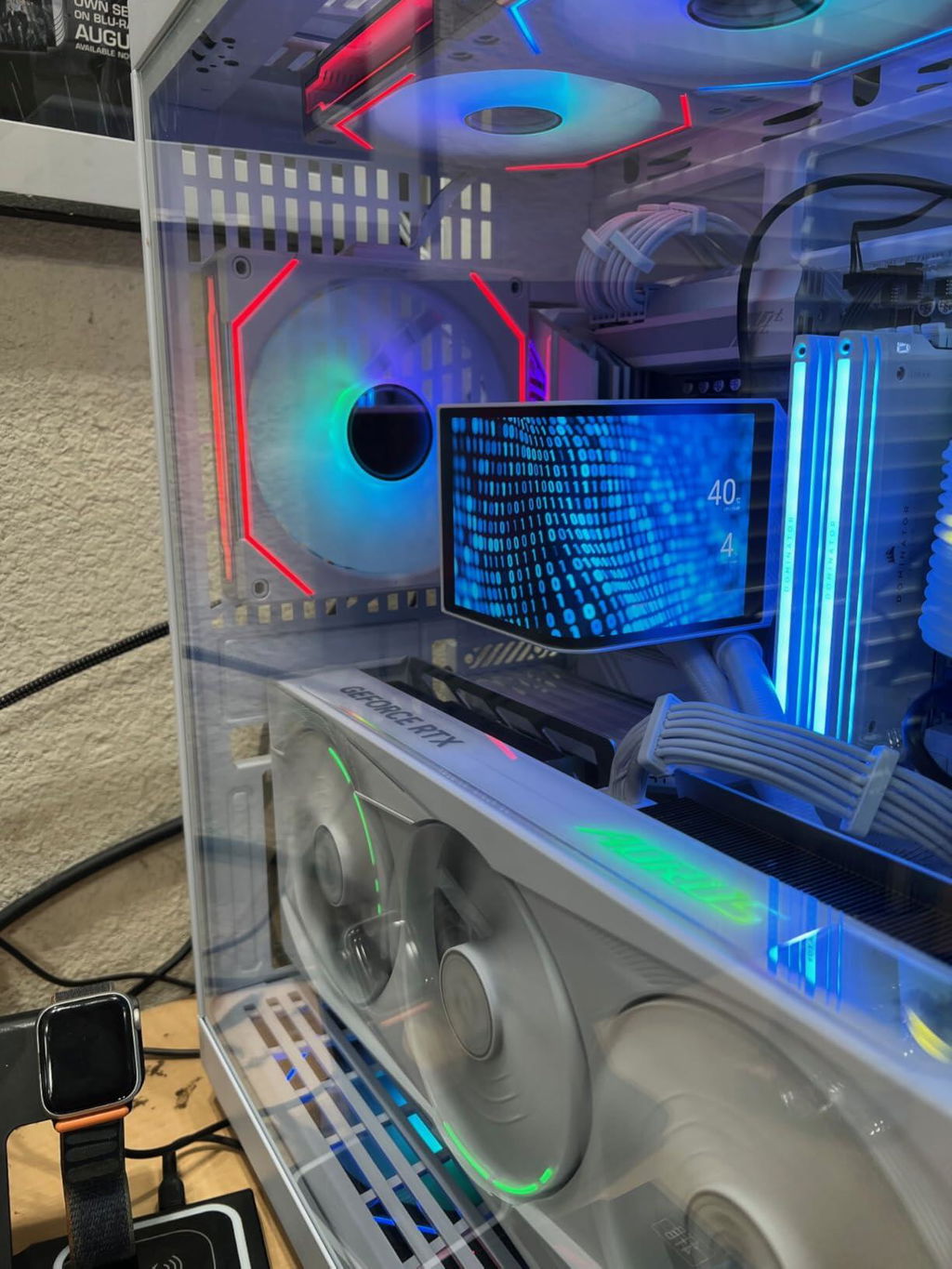
***Rating does not count off for price given the target audience values aesthetics and is already looking at $280+ AIOs***
Pros:
- Same performance as Ryujin III, but quieter
- Screen has a matte finish, but extremely bright - great resolution and color performance
- Intuitive, easy to use software for screen
Cons:
- Wish I could rotate the system report settings
- Fans do not have the magnetic connections like the Ryujin III
- Very expensive (but not counting off for it - you already know you are paying extra for aesthetics)
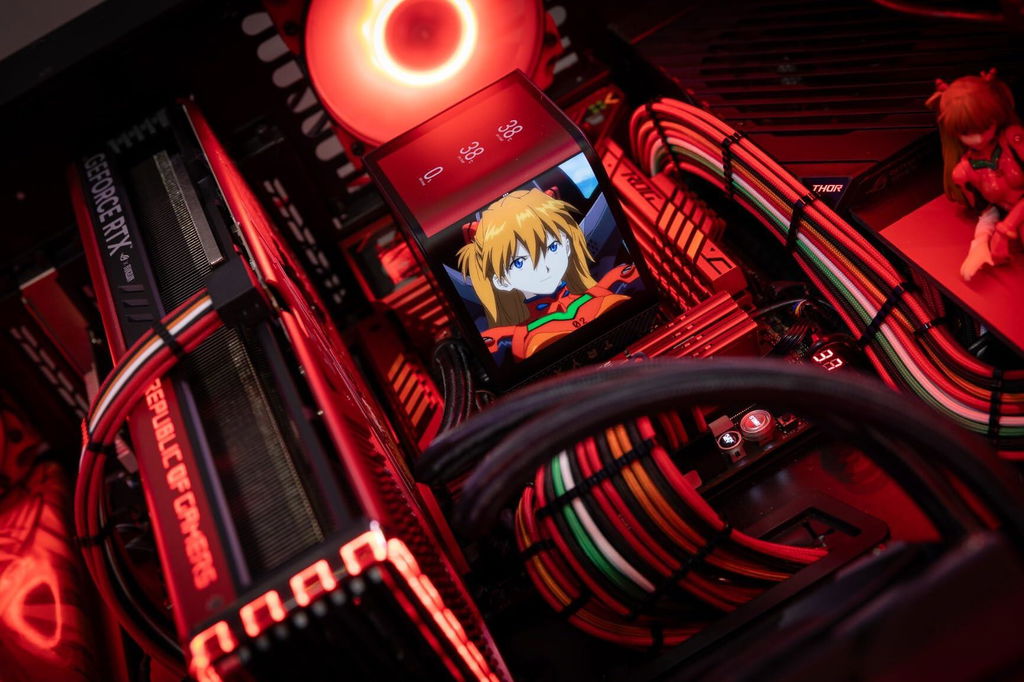
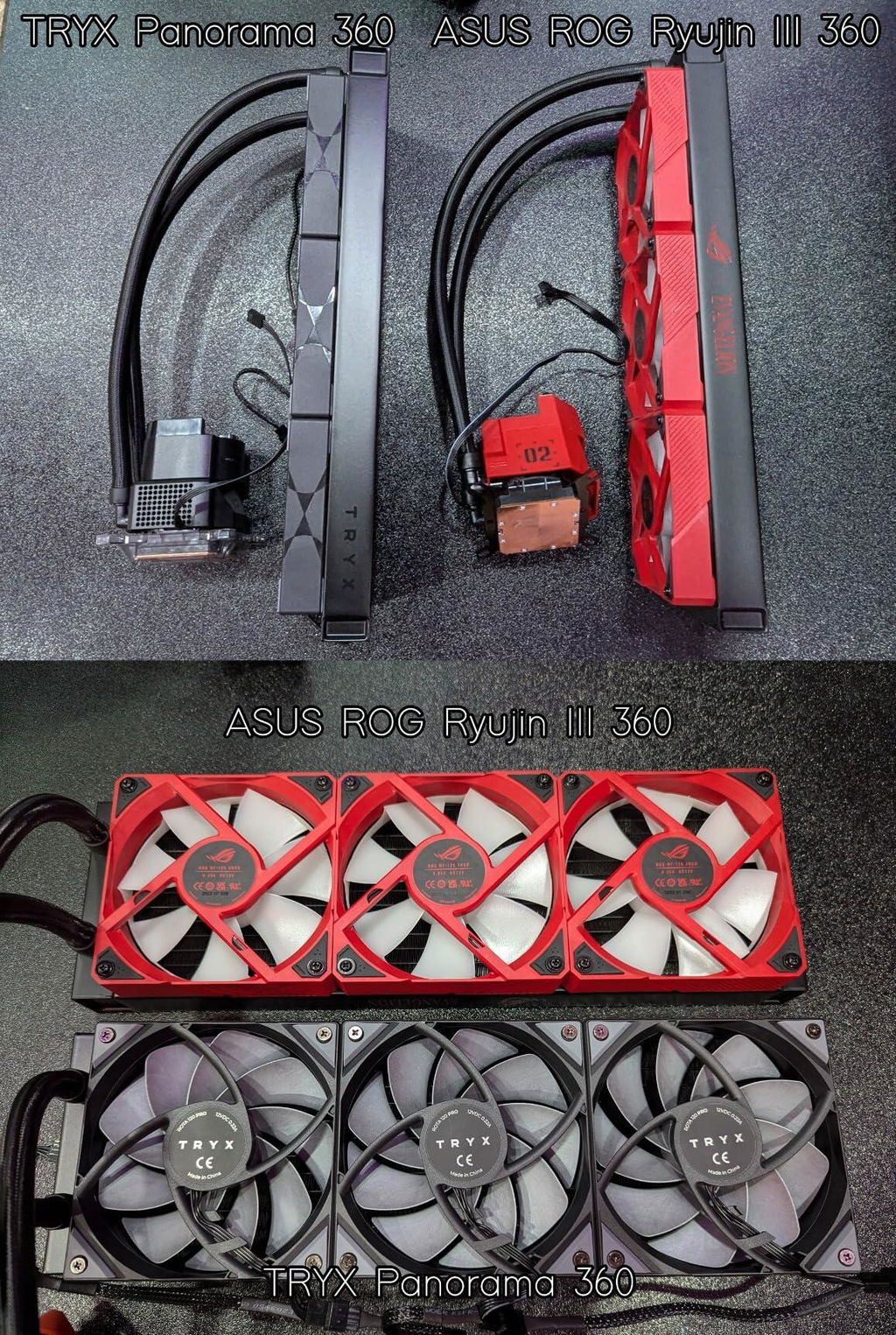
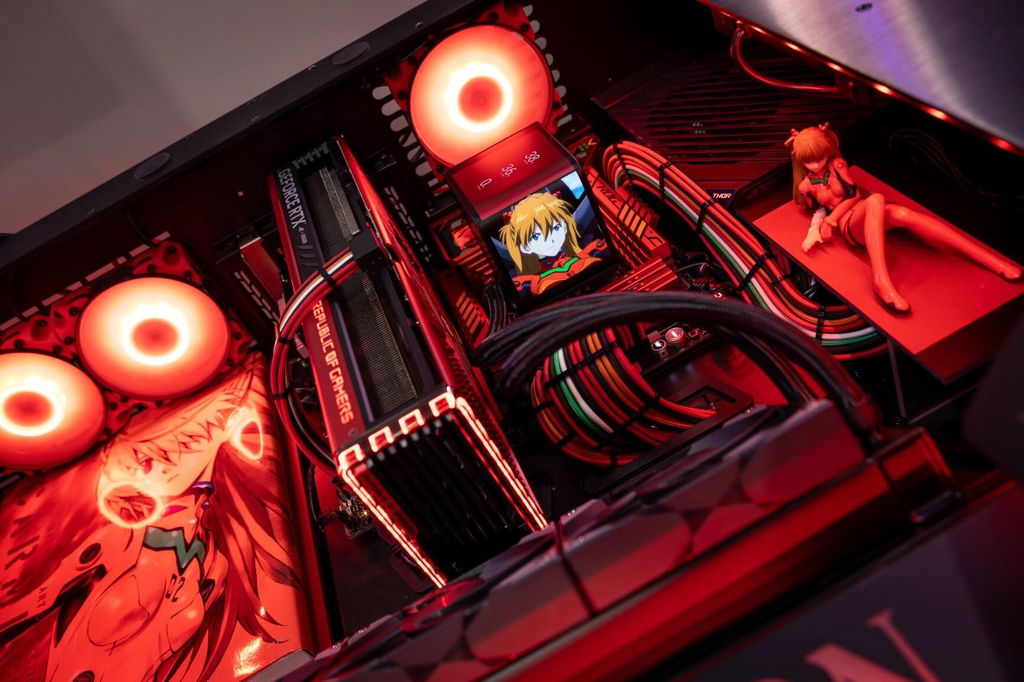
Decided to try the TRYX Panorama 360. Aesthetically, the curved screen would allow me to be able to read the screen easier in my Lian-Li desk build given the flat, rotated orientation versus the ROG Ryujin III. Regarding aesthetics, it did exactly what I needed it to. Absolutely love the aesthetic. Software was intuitive and allowed for me to have my graphics dialed in within minutes. Literally took 4x longer to install and update firmware than it did to get Asuka on screen.
Performance-wise, against the Ryujin III, they are essentially identical. This is expected since they are both Asetek 8th gen pumps, waterblocks, and radiators. Fans are the only performance difference. My Cinebench results could be within margin of error given only 1-2C difference. TRYX was significantly quieter though given their more pressure oriented design. Unfortuantely do not have the magnetic connections that the Ryujin III has.
If you are already in the market for an AIO and already looking in this price range, it essentially means you highly value aesthetics. In this regard, the TRYX excels and I'm extremely pleased. Only regret is not buying the ARGB variant, but I planned on reusing my EVA-02 fans from the Ryujin anyways.
Good job TRYX.
The TRYX Panorama 240 AIO is an absolute beast of an aio that is incredibly easy to install and helps add a distinguishing visual to your pc build if you wish to do that. I had an easy time installing it, and because it is offered in different sizes, it makes it easy to install. I chose the 240mm because I wanted to install it on top of my case, and it only allowed an aio size of 240mm. The app paired to the screen is easy to use, and there is a Discord community that shares images and clips, should you want to skip the step of making your own visual, and you can use several images/clips/gifs. I also appreciate that you can add useful information like CPU and GPU Temps, time, etc. As far as actual temperatures go, I have yet to see my CPU go above abnormal temperatures, so airflow is great and easily controllable. Price is worth it if you want a pc build that is an obvious set piece!
Deserves 5 stars for the innovative design.This is my second PC build and I am excited to play around with this AIO. I will be playing my favorite TV shows clips on this AIO. The software is good overall for a new product. I think the software can be polished a bit more especially on the VRM fan control side and RGB control. I can play gifs/videos/pictures. I can loop/shuffle them.As for the cooling performance it is doing its job. I am no reviewer but I do think it is decent performance since it��s based on asetek AIO which many others use.Cons1. The PC software needs to be running to display anything on there. I think in the future they should allow us to upload it once and not open the software again. I don��t like background software.2. The display is too glossy. I wish it were Matt finish. My RAM RGB which is right next to the cooler reflects light.
Fantastic designed AIO cooler. I was recently rebuilding my PC after my third Intel Raptorlake CPU started degrading. I figured after switching motherboard and CPU to AMD, I'd also swap out my cooler. After doing some research and trying to avoid Corsair's horrible iCue software, I found the TRYX Panorama to be a great fit. According to GamersNexus' best coolers of 2025, this won in the AIO category for thermal performance. On top of the crisp OLED screen that beats pretty much every other AIO on the market, the temperatures are very good. Although I'm disappointed by idle temperatures, I believe that's more so an AMD issue, not the AIO. Under gaming and light productivity loads, my 9850X3D never goes above the mid 60s. The screen is highly customizable, as well as the fans. I haven't noticed any pump whine or the fans being overly loud, even with a moderately aggressive fan curve that maxes at 70C.Pros:-Good thermal performance (Includes onboard VRM fan.)-Available in white-Quiet overall-Great OLED Screen-Flexibility whether you want the regular or the SE version-Simple installation overall-Not a lot of bloatware attached other than Kanali, which is pretty spartan (low CPU usage/crashing issues) compared to other major brands.Cons:-Fan control hub took some trial and error to get recognized by the Kanali software. Eventually was able to control RGB through the software-Mounting screws are awkward. They have a spring retention system that makes it really hard to tell when the threads of the screws are biting onto the motherboard backplate. It took a few minutes to install the cold plate for this reason. Eventually, once I got one of the screws to bite, it threaded somewhat okay. It was hard to tell when I was reaching the torque wall since there was already a lot of resistance with the retention screw design. (They designed it this way to help maintain consistent mounting pressure.)-Fan control hub isn't super reliable, took some trial and error for the fans to recognize in Kanali software.-Instructions are pretty limited-Not currently compatible with SignalRGB lighting control-Unable to monitor liquid temperatures in Kanali or elsewhere.-Expensive
This AIO has the best screen on the market at the moment. I wish it was glossy instead of matte because the glare ruins it. The software can be improved greatly. It's simple enough but it's lacking some features that would make use of this beautiful screen. Quality control is the reason I took away a star. I wanted to do a push pull fan setup and the holes for the fans on the other side were not drilled/tapped properly or fully. I had to force the screws to make the holes. Also the included fans had scratches on the center of them. Looking pass those things it's a stunning looking AIO and would be the main attraction looking at the PC. Performance has been great as far cooling my 9800x3d. 43/45c idle no more than 55c gaming. There is pump noise but I found a lot of it was from the VRM fan. Setting this to low speed in the software really helped reduce that. Things I noticed for setup is that this has to be connected to the USB header on the motherboard. I used a controller and I couldn't get the software to update. Another thing is if you see in the software that the pump rpm is reading 0 then you need to re seat the screen on the pump. It's held there by a magnet and the connection isn't the sturdiest.
I do recommend this product.
Excellent product, works great
Avid gamer here (20+ years) who has built many PCs along the way. I'll say that I've had a generally positive experience so far with this cooler, and will be most interested to see how it continues to perform over time. First off, the cooler came in clean, branded packaging and upon opening it right away I could appreciate the quality of build and material of the cooler components themselves. It has a considerable weight but during installation wasn't too difficult to maneuver around within the confines of my PC case. The included manual accurately describes an installation procedure that is fairly straightforward and easy to follow. I installed on my newest i9/4090 build. The fan ran surprisingly quiet on initial boot - I was expecting there to be more noise so I had to double check that it was operating properly which it was.
Overall I am pleased with this cooler for the price. It's priced a bit above average of similar units that I was looking at, but the premium quality is obviously there, and I am personally always seeking value over price. The curved screen is obviously a really cool feature to add to the over aesthetics of my PC build. As stated above, I'll be very interested to see how this thing stands up to the test of time, but so far so good!